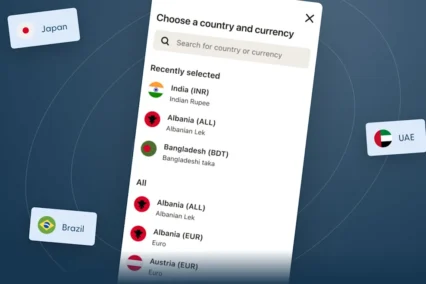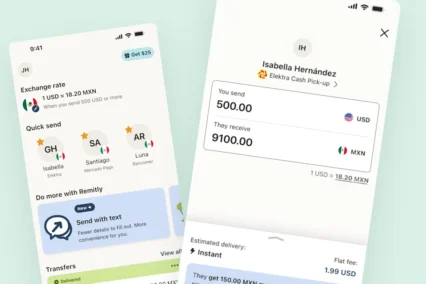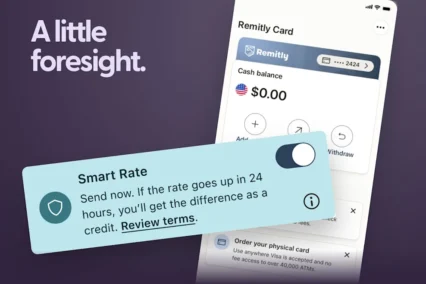


More people are starting their search for how to send money abroad in AI tools like ChatGPT. Instead of going straight to an app, they’re comparing rates, checking delivery options, and figuring out what works best for them first.
Remitly is leaning into that shift by making it easier to get clear, reliable answers to remittance questions directly within ChatGPT.
Instead of jumping between apps or browser tabs, you can explore your options, compare what works best, and estimate what your recipient could receive—all within the ChatGPT chat. Then, when you’re ready to send, you’ll continue with Remitly to complete your transfer—using the experience, account, and security millions of people trust.
A Smarter Way to Plan Your Money Transfers
The Remitly app in ChatGPT is designed to make the planning stage faster and more intuitive.
You can:
- Check exchange rates for transfers from the United States, Canada, and the United Kingdom to countries like India,
- Compare delivery methods
- Estimate how much your recipient could receive
- Discover country-specific details
All by asking questions the same way you’d ask a friend who knew the answer.
It’s a simple process: explore in ChatGPT, then send securely with Remitly when you’re ready.
The Remitly app in ChatGPT is designed for research and comparison—not transactions. When you decide to send money, you’ll complete your transfer on Remitly’s platform, where your account, payment methods, and transfer tracking already live.

How to Get Started
Step 1 — Click here:
Step 2 — The Remitly app detail page opens. Click the Connect button.
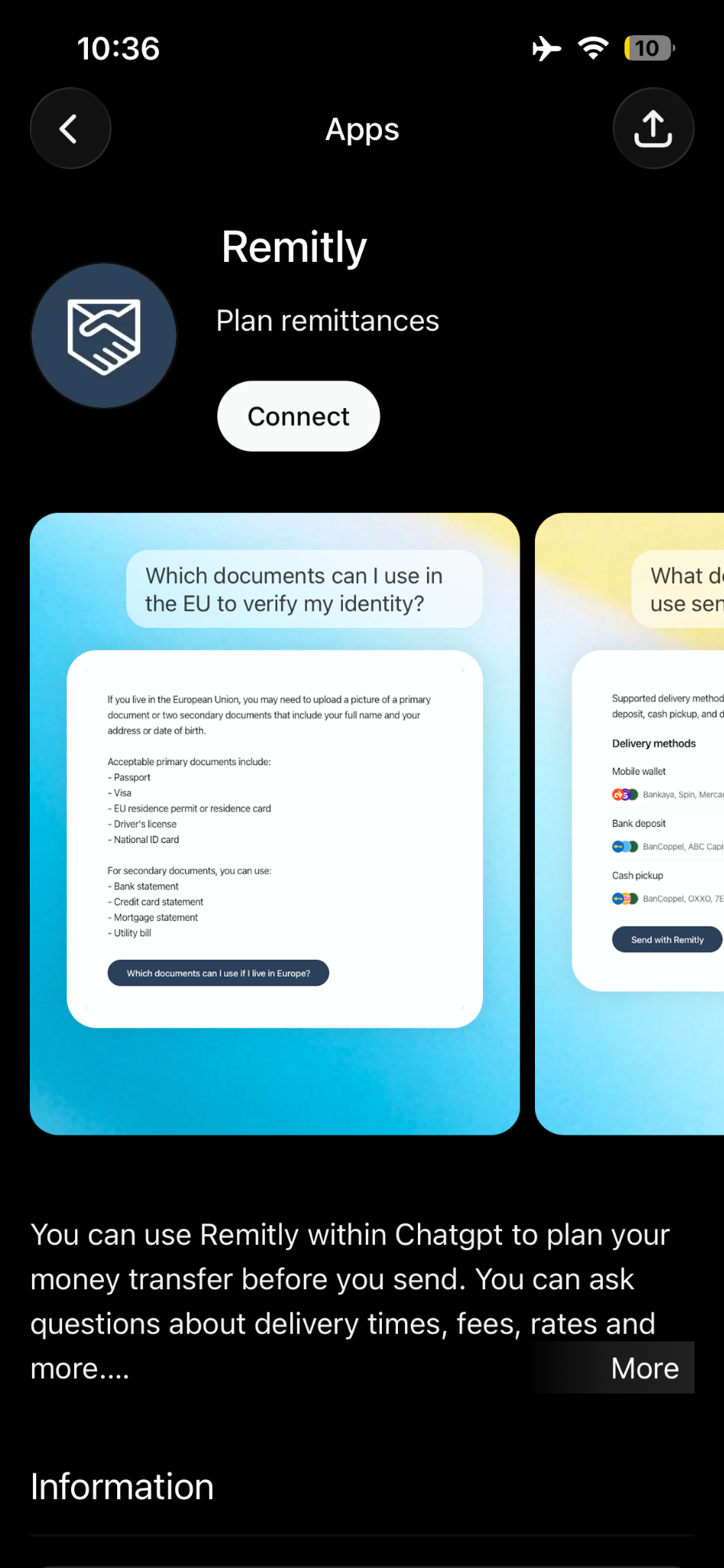
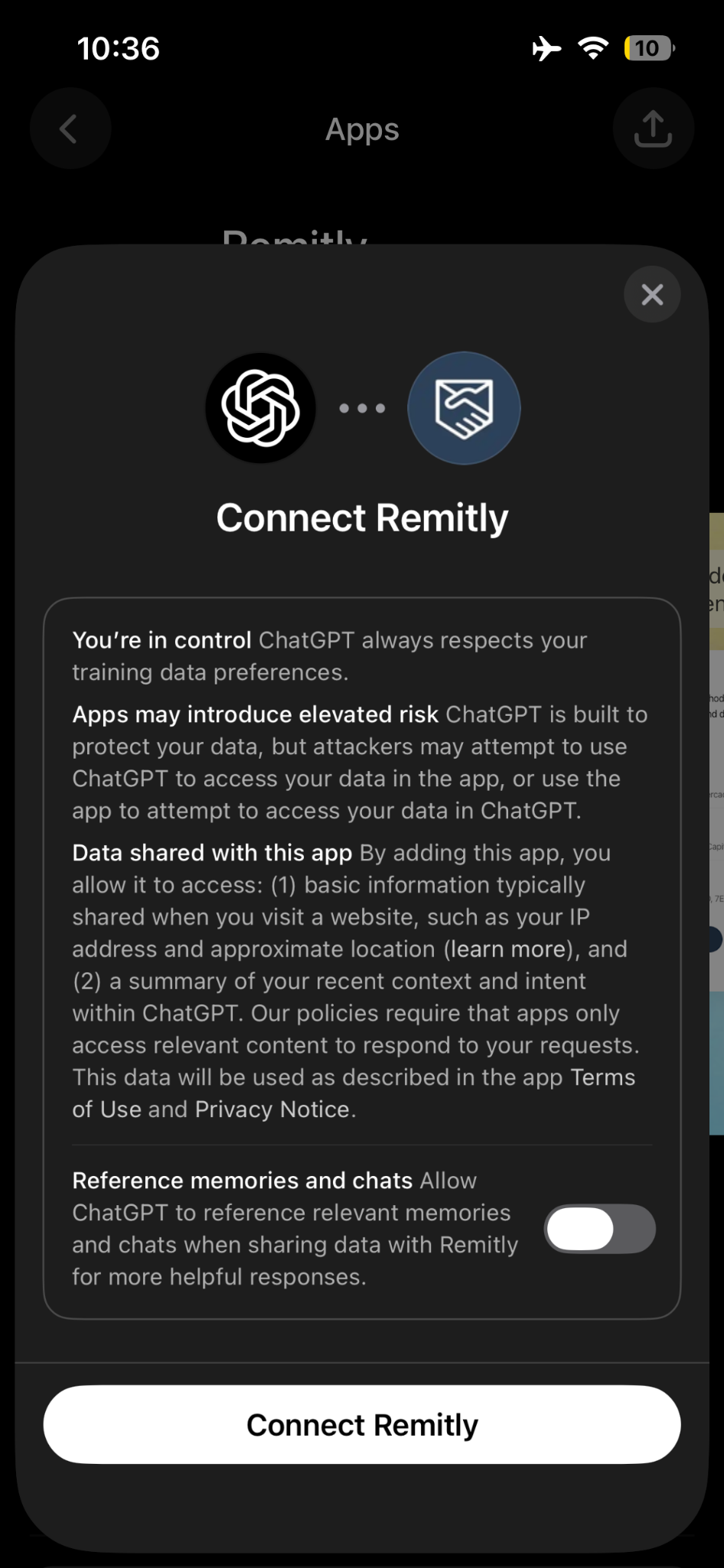
Step 3 — A “Connect Remitly” dialog will appear. Review the permissions and then click the Connect button.
Step 4 — You land in the chat with the Remitly tag active in the input bar. Type your question — e.g. @Remitly What rate will I get sending $200 to India?
No Remitly account needed to explore. When ready to send money, you’ll be taken to remitly.com to complete it securely.
From Chat to Transfer: What to Expect
It’s helpful to understand how the Remitly app in ChatGPT works:
- In ChatGPT: You explore, compare, and plan
- On Remitly: You send money, track transfers, and manage your account
That means:
- You won’t send money directly inside ChatGPT
- Final rates, fees, and delivery times are confirmed during checkout on Remitly
- You’ll use your existing account, payment methods, and tracking tools once you continue
This separation keeps the experience convenient and secure: fast answers upfront, and a trusted environment for completing your transfer.
Where It’s Available
Right now, the Remitly app in ChatGPT supports select corridors, including:
- United States to Mexico, Philippines, Colombia, India, Dominican Republic, Honduras, Nicaragua, Guatemala, El Salvador, Pakistan, Ecuador
- Canada to India, Philippines
- United Kingdom to India, Pakistan
Don’t see your location available? Check back as more locations are being added over time.
What You Can Ask ChatGPT About Remitly
You can use the Remitly app in ChatGPT to quickly explore:
- Current exchange rates
- Estimated recipient amounts based on real-time pricing
- Delivery options and timing
- Country-specific requirements or restrictions
Try asking:
- @Remitly What is the best way to send money from USA to my family in Mexico
- @Remitly What’s the rate for sending $10,000 to India right now
- @Remitly I want to send $100 from Canada to Philippines
- @Remitly Can I pay my international business partner using Remitly
Explore First, Then Send
The benefit is simple: you can make informed decisions before you commit.
The Remitly app in ChatGPT helps you explore your options quickly. Remitly’s platform handles the actual transfer securely, with full visibility into your transaction.
There’s nothing new to learn—just a more straightforward way to get started.
Frequently Asked Questions (FAQs)
Do I need a Remitly account to use the ChatGPT app?
No. You can explore exchange rates, delivery options, and cost estimates without logging in to Remitly. You will need a Remitly account when you’re ready to actually send money, but that step happens on remitly.com or in the Remitly app — not inside ChatGPT.
Do I need a paid ChatGPT subscription?
No. The Remitly app in ChatGPT is available to all logged-in ChatGPT users, including those on the free plan.
Is my personal information safe?
Yes. The Remitly app in ChatGPT experience doesn’t collect, store, or process any personal data or transfer details. You’re looking up rates and options — nothing more happens until you choose to send through Remitly’s website or app.
Will the exchange rates I see be accurate?
The rates reflect current Remitly exchange rates for supported corridors. As with any live rate, they can shift by the time you go to complete your transfer, so treat the estimate as a reliable starting point rather than a locked-in guarantee. Rates shown in the Remitly ChatGPT app are promotional rates for new customers. Existing customers will sign their best rate after signing in on Remitly.com
Which countries can I look up?
You can explore rates and delivery options for the countries Remitly currently supports. If you’re not sure whether your destination is covered, it’s worth asking — just type “Remitly, can I send money to [country]?” and you’ll get a straight answer.
Can I actually send money through ChatGPT?
No, and that’s by design. ChatGPT is where you research and compare. When you’re ready to send, you’ll be directed to Remitly’s website or app to complete the transfer securely.
What if I have a problem with a transfer I’ve already sent?
The ChatGPT app isn’t the right place for that. For help with an existing transfer, reach out to Remitly’s customer support directly.